
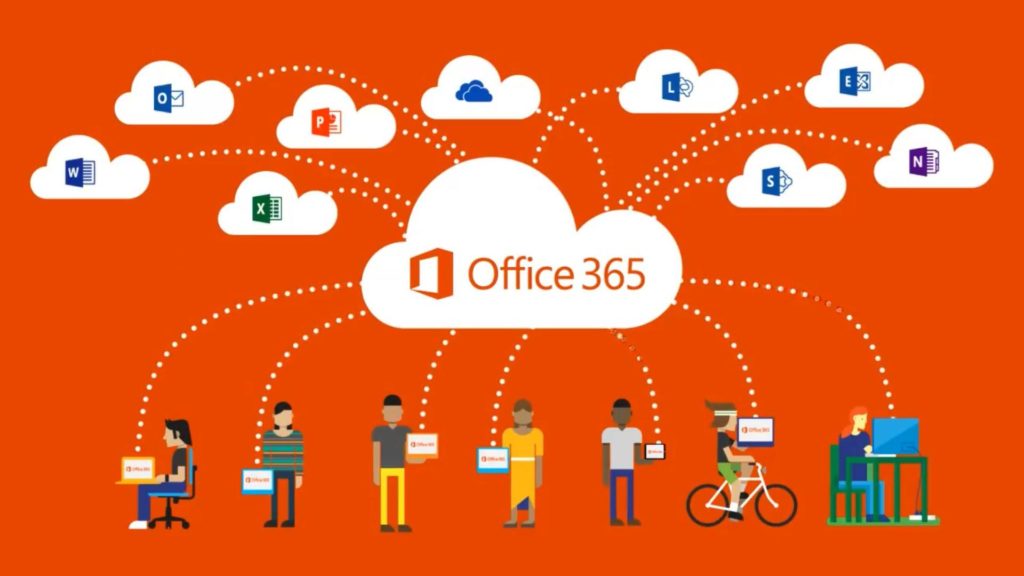
Microsoft 365 has become a staple in modern workplaces, offering much more than email and document editing. While many businesses rely on familiar tools like Outlook, Word, and Excel, they often overlook powerful features that can improve collaboration, productivity, and security. By taking full advantage of Microsoft 365, organizations can streamline workflows and get more value from their subscriptions.
Here are ten Microsoft 365 features that many businesses rarely use—but absolutely should.
1. Microsoft Forms for Quick Surveys and Data Collection
Many businesses still rely on third-party survey tools when Microsoft Forms is already included in their subscription. Forms allows organizations to create surveys, quizzes, customer feedback forms, and internal questionnaires with ease.
Results automatically sync into Excel, making data analysis simple and efficient.
Why It Matters:
- Collect employee feedback instantly
- Create customer satisfaction surveys
- Automate data collection processes
2. Power Automate for Workflow Automation
Repetitive tasks consume valuable time. Microsoft Power Automate enables businesses to automate workflows without requiring coding expertise.
For example, you can automatically save email attachments to OneDrive, notify teams when files change, or approve requests digitally.
Benefits:
- Reduces manual work
- Minimizes human error
- Improves operational efficiency
3. Microsoft Planner for Project Management
Many companies pay for external project management software while overlooking Microsoft Planner. It offers visual task boards that help teams organize projects, assign tasks, and monitor progress.
Planner integrates seamlessly with Teams and Outlook for a unified workflow.
Ideal For:
- Marketing teams
- HR departments
- Small business project tracking
4. Shared Mailboxes Without Extra Licenses
Businesses often create separate email accounts that require additional licenses. Shared Mailboxes allow multiple users to access and manage a common inbox without needing extra licensing in many scenarios.
Examples include:
This improves collaboration while reducing costs.
5. OneDrive File Version History
Accidentally overwriting a file can be disastrous. OneDrive automatically stores previous versions of documents, allowing users to restore earlier versions quickly.
Why Businesses Love It:
- Prevents data loss
- Recovers accidental changes
- Supports collaborative editing
6. Microsoft Bookings for Appointment Scheduling
Scheduling appointments manually can be time-consuming. Microsoft Bookings allows businesses to create online scheduling pages where customers can book meetings directly.
It integrates with Outlook calendars and automatically sends confirmations and reminders.
Great For:
- Consultants
- Service providers
- Customer support teams
7. Teams Channels and Tabs for Organized Collaboration
Many users only use Microsoft Teams for chat and video calls. However, channels and tabs can centralize files, apps, and project resources within a single workspace.
Teams can integrate with:
- Planner
- SharePoint
- OneNote
- Third-party applications
This creates a digital hub for collaboration.
8. Microsoft To Do for Personal Productivity
Employees often juggle multiple tasks across emails and meetings. Microsoft To Do helps organize daily responsibilities and syncs with Outlook tasks.
Features include:
- Task reminders
- Due dates
- Priority levels
- Recurring tasks
A well-organized workforce is a productive workforce.
9. Sensitivity Labels for Enhanced Security
Data security is more important than ever. Microsoft 365 includes Sensitivity Labels that classify and protect sensitive information.
Businesses can:
- Restrict document access
- Apply encryption
- Prevent unauthorized sharing
This feature is particularly valuable for industries handling confidential information.
10. Viva Insights for Workplace Analytics
Employee wellbeing and productivity are critical to business success. Viva Insights provides data-driven recommendations to improve focus time, collaboration habits, and work-life balance.
Managers can gain valuable insights while employees receive personalized productivity suggestions.
Advantages:
- Reduce meeting overload
- Encourage focused work
- Improve employee wellbeing
Final Thoughts
Most businesses only scratch the surface of what Microsoft 365 offers. By exploring these often-overlooked features, organizations can improve efficiency, strengthen security, and reduce software costs.
The true value of Microsoft 365 lies not just in its familiar applications but in the ecosystem of tools designed to help businesses work smarter. If your organization isn’t using these features yet, now is the perfect time to start unlocking the full potential of your Microsoft 365 subscription.
Sources
- Microsoft Learn. Microsoft Forms Documentation – Official guidance on creating surveys, quizzes, and forms for data collection and feedback.
- Microsoft Learn. Power Automate Documentation – Covers workflow automation, approvals, notifications, and integration with Microsoft 365 services.
- Microsoft Learn. Microsoft Planner Documentation – Explains task management, project planning, and integration with Teams and Microsoft 365 Groups.

Comments
Comments are moderated before publication. Spam, promotional content, and inappropriate submissions will not be approved.